
If you’re running Google Ads, you’ve probably heard of Advertiser Verification—a process that Google now requires to confirm your identity and business legitimacy. Recently, I went through the verification myself, and in this post, I want to share my step-by-step experience, lessons learned, and tips to make it easier for you.
📢 Why Google Asked Me to Verify
I received a notice inside my Google Ads dashboard saying:
“To continue running ads, you must complete advertiser verification by DATE.”
At first, it felt a bit intimidating—but once I understood the reason behind it (transparency and safety), it made sense. Google wants users to know who’s behind the ads they see, especially in sensitive or regulated industries.
🛠️ How I Completed Advertiser Verification (Step-by-Step)
1. Received the Notification
It showed up right at the top of my dashboard, with a clear deadline. I clicked the notification and was taken to the verification process.
💡 Tip: Don’t ignore the notification—it’s not optional, and there is a hard deadline.
2. Answered Google’s Business Questions
I was asked to describe:
- Business model
- Whether I advertise on behalf of another brand
- The nature of my ads
⚠️ Pay attention: Misrepresenting your business here can lead to rejection or even account suspension.
3. Submitted ID and Business Documents
Google asked for:
- A government-issued photo ID (I used drive licence, front and back images)
- A business registration document (certificate of incorporation)
✅ Pro tip: Make sure the names and addresses match your Google Ads billing profile. I had to resubmit my verification because the name of the Payments user did not match the Account Admin. This mismatch led to my account being suspended, and I was unable to modify or run any ads during that time.
4. Waited for Review
After submitting, I got a message saying the process would take a few days. In my case, it took about 3 business days to get approved.
⏳ Be patient—Google will email you once everything is reviewed.
🎉 What Happened After I Got Verified
Once I passed the verification:
- My ads kept running without interruption
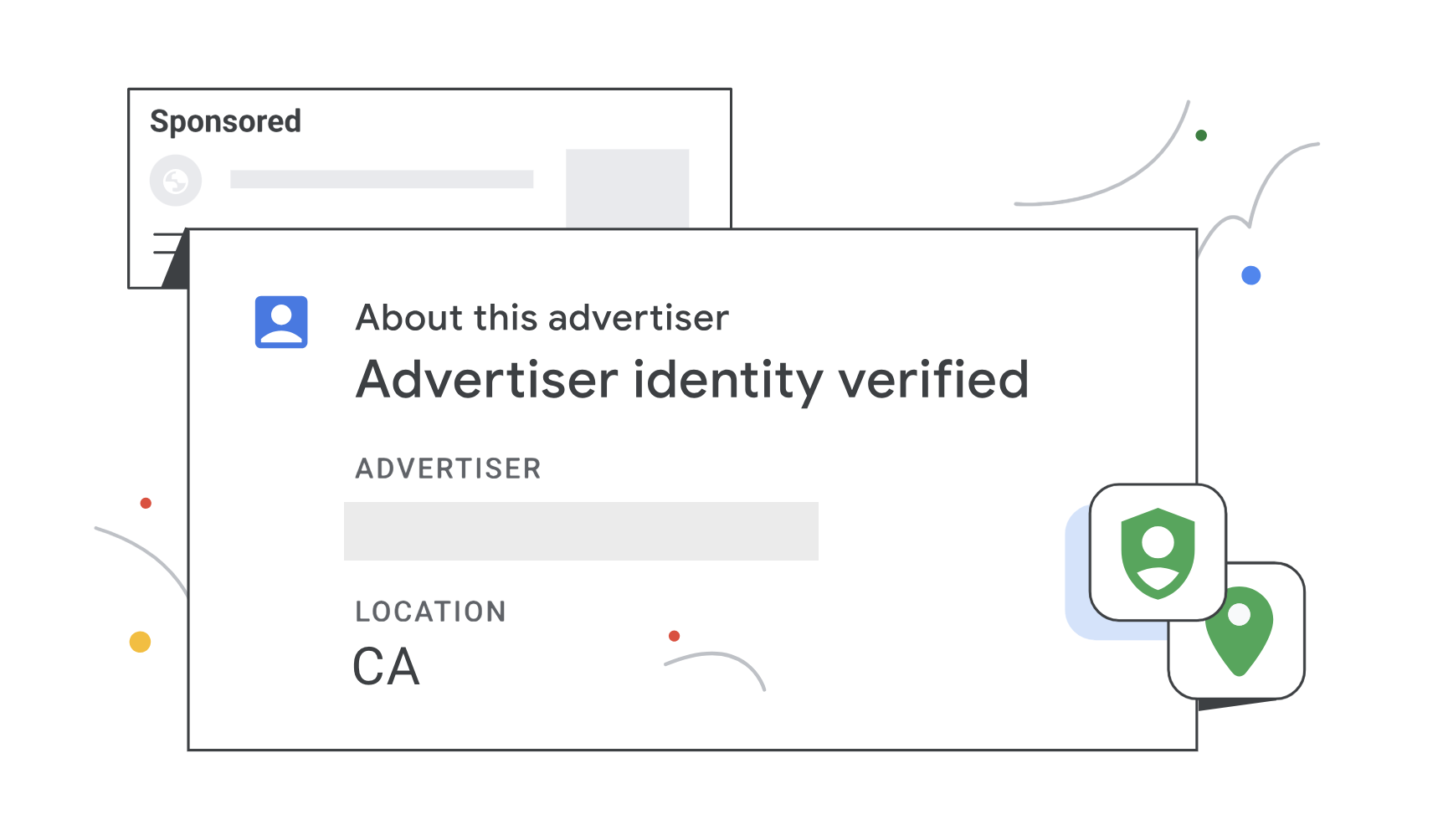
- My business name started appearing in the “About this ad” section, adding a layer of trust for users
- I now feel more secure knowing my account is in good standing with Google
🚫 What to Avoid During Verification
Based on my experience, here are a few mistakes to avoid:
| Mistake | Why it’s a problem |
|---|---|
| Submitting blurry or expired documents | Google will reject them |
| Using different names/addresses | Inconsistencies trigger red flags |
| Delaying the process | Your ads will stop after the deadline |
| Providing fake info | This can get your account banned |
🧠 Final Thoughts
Going through Google Ads Advertiser Verification isn’t hard—but it does require attention to detail. For anyone managing ads for themselves or clients, I highly recommend:
- Keeping all your business documents up to date
- Using a professional business email tied to your domain
- Completing the verification as soon as it’s requested
✅ In the end, it’s worth it—for your own peace of mind and to maintain your ad account’s health.
💬 Have Questions?
If you’re going through advertiser verification or thinking about starting with Google Ads, feel free to reach out. I’m happy to help based on what I’ve learned.